


Get Instant Solution By an Expert Advisor
(4.8)
Fast replies · No spam · Real experts
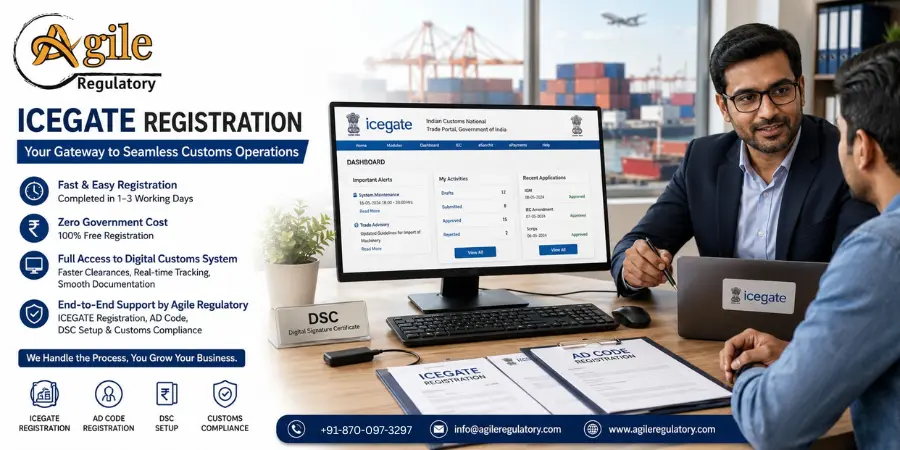
ICEGATE stands for Indian Customs Electronic Gateway. The Central Board of Indirect Taxes and Customs (CBIC) manages this portal. It connects your business directly to Indian Customs in a fully digital environment. Importers, exporters, customs house agents, freight forwarders and logistics companies must complete their registration on ICEGATE before filing any customs documents
|
Business Type |
Reason |
|
Importers and Exporters. |
File bills of entry, shipping bills and pay duties online |
|
Customs House Agents (CHA) |
Submit documents on behalf of clients |
|
Freight Forwarders and Logistics Firms |
Track shipments and manage cargo documentation |
|
Shipping Lines and Airlines |
Coordinate cargo movement with Indian Customs |
Keeping your ICEGATE registration documents required ready before you start avoids delays. Here is the full list:
|
Document |
Purpose |
|
IEC from DGFT |
Primary identifier for all customs transactions |
|
PAN Card |
Identity and tax verification |
|
GSTIN |
Required for importers and exporters |
|
Class 3 Digital Signature Certificate (DSC) |
Mandatory for signing customs documents |
|
AD Code Bank Authorisation Letter |
Needed to generate shipping bills and receive foreign credits |
|
Business registration document |
Incorporation certificate, LLP agreement or partnership deed |
|
Bank account details |
Cancelled cheque or bank statement |
|
Aadhaar-linked mobile number |
For OTP verification during registration |
On ICEGATE registration without DSC, the earlier simplified module that skipped DSC upload is no longer available. A Class 3 DSC is now mandatory for all users filing customs documents. If you do not have one, it costs approximately Rs. 3,700 plus taxes.
E Sanchit ICEGATE Registration Process
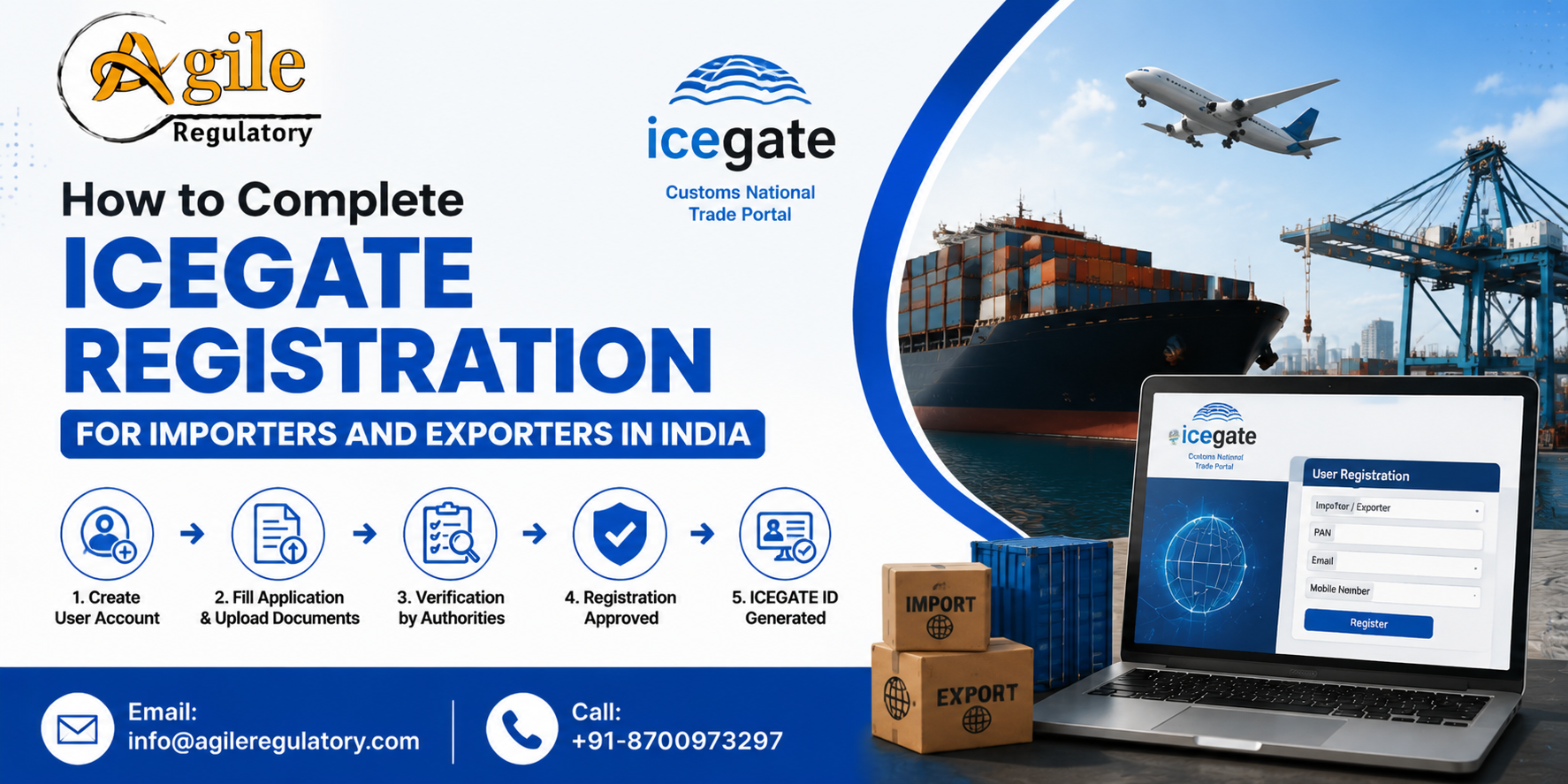
The ICEGATE registration online process is fully paperless. Follow these steps:
Visit icegate.gov.in and click Register
Select your user type: Importer/Exporter or Customs Broker
Enter IEC, GSTIN, and PAN. The system validates against DGFT and GST records
Select contact details fetched from your GSTIN or DGFT profile
Verify your mobile and email using OTPs. Complete both within 10 minutes
A Reference ID is generated, valid for 15 days if you need to resume
Fill in organisation details and select your customs port locations
Connect your Class 3 DSC token and sign using the emSigner utility
Upload all documents in the format and size specified on the portal
Submit you will receive an acknowledgement number immediately
Customs officials review your application and send the activation by email
How to register the Custom House Location in ICEGATE: At Step 7, the portal shows a list of all EDI-enabled customs ports across India. Select every port where you plan to ship or receive goods. One ICEGATE new registration covers all ports you select. Additional locations can be added later from your dashboard.
ICEGATE registration fees from the government are zero. ICEGATE registration charges on the CBIC side do not exist; the portal is free. Costs you may actually pay:
DSC procurement: approximately Rs. 3,700 plus taxes if you need one
ICEGATE Registration Agent fees: typically Rs. 2,999 to Rs. 4,500 plus GST for end-to-end assistance
Using a professional agent is optional but reduces errors, especially for first-time registrations.
After a correct submission ICEGATE registration approval time is 24 to 72 hours. It is roughly one to three working days. Name mismatches between your PAN, IEC, and GSTIN are the most common reason for rejections. Double-check all details before submitting.
Exporters must also complete AD code registration in ICEGATE after the account is active. The Authorized Dealer (AD) Code is a 14-digit number your bank issues on official letterhead. It links your bank account to customs and is required to generate shipping bills, receive duty drawbacks, and process GST refunds.
You must register your AD Code for each port of export separately. Log in, go to Financial Services, select AD Code Registration, enter your IEC and bank details, sign with your DSC, and submit. Approval takes one to two working days when documents are in order.
AD Code Registration on ICEGATE
Your ICEGATE login after activation gives access to:
E-filing of shipping bills and bills of entry
Online customs duty payment
Real-time consignment tracking
GST and IGST refund applications
Duty drawback claims
RoDTEP and RoSCTL scheme applications
e-Sanchit for uploading supporting trade documents
For a downloadable guide, the ICEGATE registration process PDF and user manuals are available in the Guidelines section at icegate.gov.in. CBIC updates these periodically, so always refer to the latest version
The ICEGATE registration process is straightforward when documents are ready, and your DSC is in place. It takes just one to three working days and costs nothing from the government side. Once registered, you get full access to India's digital customs system, faster clearances, real-time tracking, and smooth management of all your import-export documentation.
For end-to-end support with ICEGATE registration, AD code registration, DSC setup, and customs compliance, Agile Regulatory handles the full process so your account is ready without delays or rejections.


You might also be interested in these articles.
Sonal Sharma
18 Sep 2026
RERA registration is an important compliance step for eligible real estate projects. The process typically includes preparing documents, submitting the application online, paying applicable fees, and responding to queries raised by the concerned RERA auth
Sanskriti
25 Aug 2026
Running a manufacturing business in India involves more than setting up a factory and starting production. Businesses must comply with several legal, labour, environmental, product-specific, packaging, taxation, and operational requirements. A well-planne
Divya Saxena
19 Aug 2026
A practical guide to GACC Registration for APEDA exporters, covering the registration process, required documents, applicable fees, and approval requirements for exporting food and agricultural products to China.
Preeti Gupta
13 Aug 2026
The EPR system in India is becoming more digital and compliance-focused, making it important for Producers, Importers and Brand Owners (PIBOs) to maintain accurate registration details, waste-processing records and annual returns. Understanding the latest
Divya Saxena
11 Aug 2026
The GOBARdhan Scheme 2026 is an important government initiative aimed at converting cattle dung, agricultural residue, municipal organic waste and other biodegradable materials into useful resources such as biogas, Compressed Biogas (CBG), Bio-CNG and org
Nishi Chawla
31 Jul 2026
ICEGATE Registration is a mandatory process for importers and exporters in India to access online customs services provided by Indian Customs. This guide explains the complete ICEGATE registration process, eligibility, required documents, step-by-step reg
Nishi Chawla
22 Jun 2026
Discover how Tea Board Registration in Delhi helps tea exporters access global markets, enhance credibility, and streamline export compliance for business growth.
Nishi Chawla
22 Jun 2026
Tea Board Registration in Noida helps tea businesses gain legal recognition, access export opportunities, build buyer trust, and expand into domestic and international markets with ease.
Nishi Chawla
18 Jun 2026
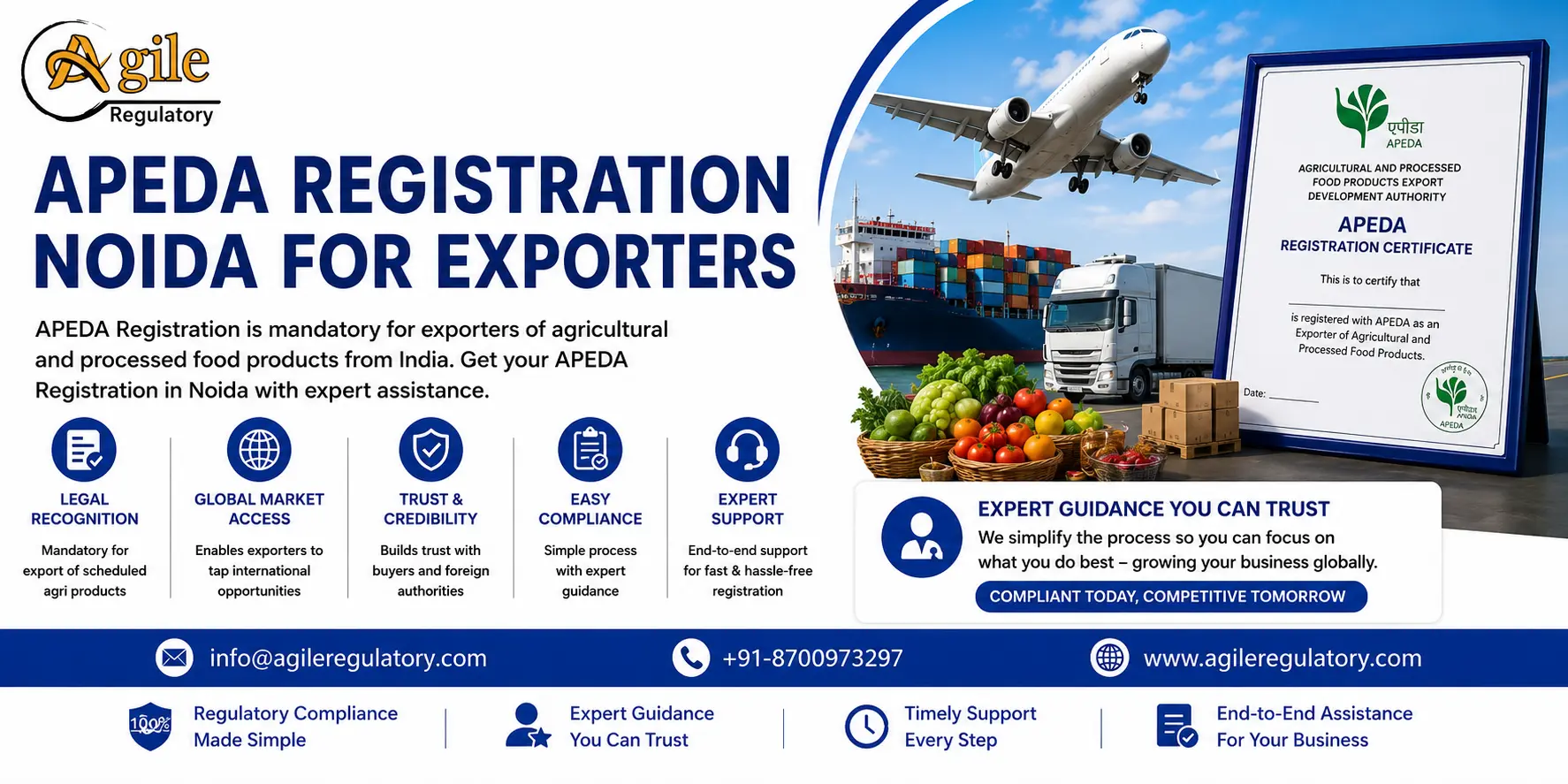
APEDA Registration in Noida plays a crucial role in helping exporters establish a credible and recognized presence in international markets.
Nishi Chawla
11 Jun 2026
GACC Certification for Exporters in Noida is mandatory for food exporters to China. It ensures compliance with Chinese customs regulations, product safety, and smooth export approvals, helping businesses expand internationally in 2026 market growth sector
Nishi Chawla
06 Jun 2026
MD 42 License in Noida is essential for medical device manufacturers and importers to ensure legal compliance, build market credibility, avoid penalties, and expand business opportunities.
Nishi Chawla
03 Jun 2026
GJEPC Certificate Registration in Noida helps jewellery exporters obtain RCMC certification, ensuring export compliance, industry recognition, government benefits, and seamless access to global jewellery markets.
Nishi Chawla
30 May 2026
RCMC Registration is an important requirement for exporters in Ghaziabad who want to access export benefits and government schemes. This guide explains the complete application process, eligibility criteria, required documents, and registration procedure
Nishi Chawla
19 May 2026
Discover the key benefits of GJEPC Membership for jewellery exporters, including export promotion support, international market access, trade fair participation, policy updates, and business growth opportunities.
Nishi Chawla
09 May 2026
APEDA Registration is essential for businesses involved in the export of agricultural and processed food products from India. This complete guide for 2026 explains the APEDA registration process, required documents, eligibility, benefits, and compliance r
Nishi Chawla
29 Apr 2026
Tea Board Registration provides significant advantages to tea manufacturers and exporters in India, including official recognition, export support, and access to global markets. Registered businesses under the Tea Board of India gain credibility, regulato
Nishi Chawla
27 Apr 2026
Coffee Board registration provides coffee growers and exporters with legal recognition, quality certification, and access to government support. It enables businesses to participate in international trade, ensures compliance with export regulations, and e
Nishi Chawla
25 Apr 2026
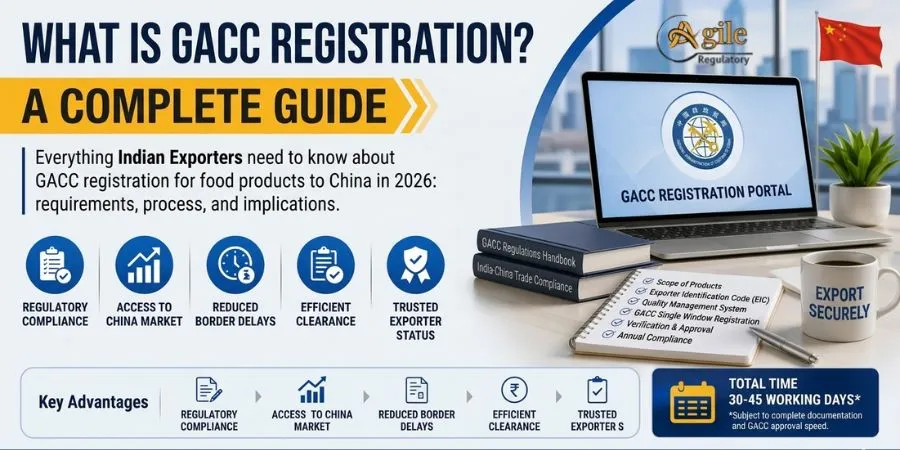
GACC Registration is a mandatory requirement for Indian exporters dealing with food products and certain related categories when exporting to China. Governed by the General Administration of Customs of China (GACC), this registration ensures that foreign
Nishi Chawla
25 Apr 2026
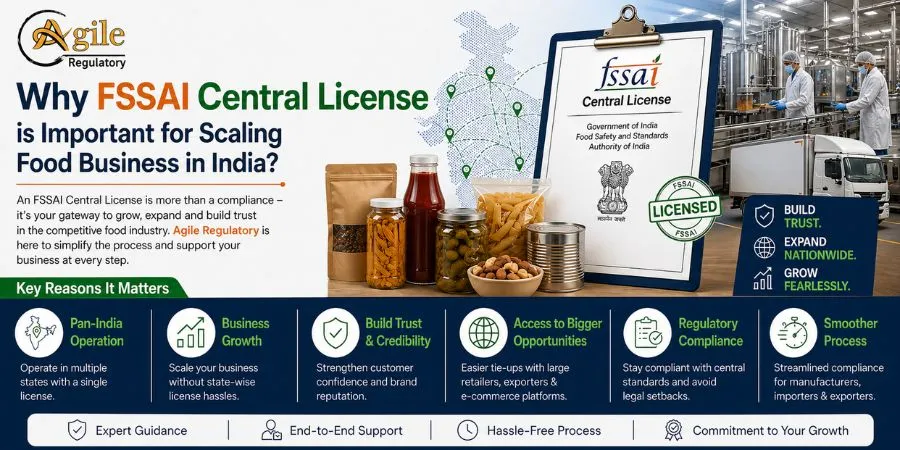
An FSSAI central license is essential for food businesses aiming to scale across India. It ensures legal compliance, builds consumer trust, and allows operations in multiple states and large-scale production.
Nishi Chawla
25 Apr 2026
Spices Board India Registration is essential for exporters involved in spice exports from India. It ensures legal compliance, improves export credibility, and helps businesses access global trade opportunities smoothly.
Nishi Chawla
23 Apr 2026
CAPEXIL certification is an important requirement for Indian exporters dealing in chemical and allied products. It is issued by the CAPEXIL to promote exports and ensure compliance with trade regulations. This complete guide explains its benefits, eligibi
Nishi Chawla
23 Apr 2026
CHEMEXCIL Registration is essential for exporters dealing in chemicals, pharmaceuticals, cosmetics, and related products in India. Issued by the Basic Chemicals, Cosmetics & Dyes Export Promotion Council (CHEMEXCIL), this registration helps businesses
Nishi Chawla
21 Apr 2026
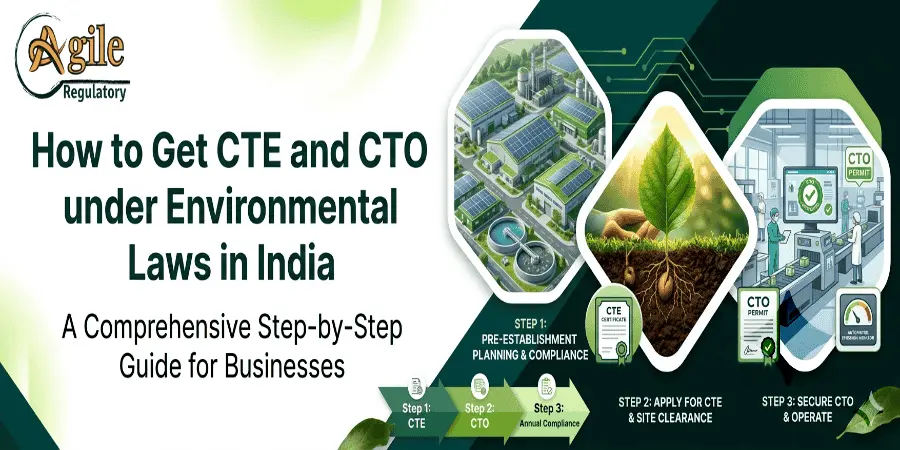
Getting Consent to Establish (CTE) and Consent to Operate (CTO) under environmental laws in India is a mandatory step for industries before starting and running operations. Issued by the State Pollution Control Board, these approvals ensure that businesse
Nishi Chawla
20 Apr 2026
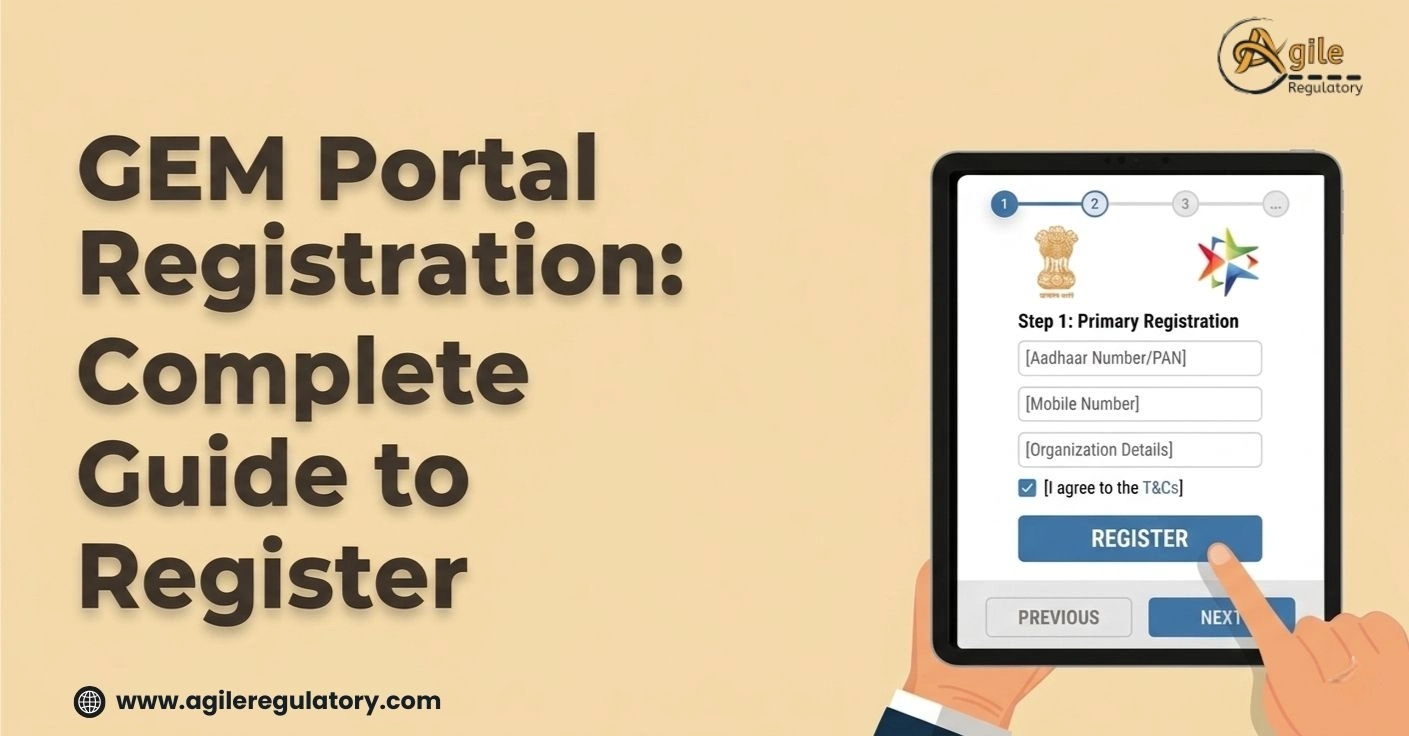
The GeM (Government e-Marketplace) Portal Registration is a simple online process that allows sellers, service providers, and organizations to register and sell goods or services directly to government departments in India.
Nishi Chawla
20 Apr 2026
Rubber Board Registration helps rubber businesses gain official recognition, access government benefits, improve market credibility, and expand trade opportunities. It ensures compliance with industry regulations and supports better pricing, exports, and
Nishi Chawla
11 Apr 2026
The WPC Certificate Registration Process in Delhi is essential for businesses dealing with wireless and RF-enabled devices in India. This 2026 guide outlines the step-by-step procedure, required documents, eligibility criteria, and compliance requirements
Nishi Chawla
09 Apr 2026
This guide explains the NSIC registration process in Delhi for 2026, covering eligibility criteria, required documents, and application steps. It helps MSMEs understand how to apply and benefit from NSIC schemes efficiently.
Nishi Chawla
08 Apr 2026
Create an account, complete the Startup India registration form, upload required documents, self-certify eligibility, and track application status until the certificate is issued.
Nishi Chawla
08 Apr 2026
Agile Regulatory provides complete support for GACC registration in Gujarat. We assist with documentation, compliance, and smooth application filing. Get quick approval and expand your export business to China with ease.
Nishi Chawla
07 Apr 2026
Agile Regulatory stands as a trusted export consultancy in Himachal Pradesh, delivering efficient solutions for documentation, approvals, and global trade success.
Nishi Chawla
27 Mar 2026
BIS registration under IS 302 (Part 2/Sec 80): 2017 is mandatory for electric fans to ensure safety and compliance with Indian standards. Our service provides end-to-end support including documentation, product testing, and certification, ensuring a smoot
Vanshika Mathur
25 Mar 2026
The CDSCO registration process in Ahmedabad (2026) is conducted entirely online through the SUGAM portal of the Central Drugs Standard Control Organization. Businesses must first create an account, submit applicant and company details, upload required doc
Nishi Chawla
25 Mar 2026
DGFT registration in Madhya Pradesh and Indore involves online IEC application, document submission, verification, and approval for legal import-export business operations.
Nishi Chawla
25 Mar 2026
The registration process for food delivery platforms like Zomato and Swiggy in Tamil Nadu involves submitting basic business details, FSSAI license, GST information (if applicable), and bank details. After verification, restaurants can onboard their menu,
Nishi Chawla
18 Mar 2026
Direct and Associates offers reliable assistance in obtaining a Private Security Agency License under PSARA. They streamline documentation, compliance, and approval processes for security businesses. Their expertise ensures quick, hassle-free licensing
Nishi Chawla
13 Mar 2026
Import and export consultants help businesses manage international trade compliance smoothly. From IEC registration to DGFT documentation, expert guidance ensures hassle-free global trading. Discover reliable import and export consulting services in Del
Nishi Chawla
13 Mar 2026
Noida and Uttar Pradesh import-export consultants provide compliance support, market insights, customs clearance, and strategies for efficient international trade.
Nishi Chawla
10 Mar 2026
BIS Registration for Asbestos Cement Pressure Pipes and Joints ensures compliance with IS 1592:2003 standards in India. Manufacturers must obtain BIS certification to use the ISI mark and sell products in the Indian market. Our experts assist with docum
Vanshika Mathur
06 Mar 2026
AGMARK registration in Mumbai helps businesses certify the quality of agricultural products under government standards. The process involves submitting an application to the Directorate of Marketing and Inspection (DMI), providing documents, and product t
Nishi Chawla
27 Feb 2026
BIS Registration for Silica-Asbestos-Cement Flat Sheets under IS 13000:1990 is mandatory to ensure product quality and safety compliance in India. Manufacturers must meet the standards set by the Bureau of Indian Standards before selling in the Indian mar
Divya Saxena
26 Feb 2026
SASO certification is mandatory for many products imported into Saudi Arabia to ensure they meet safety and quality standards.
Divya Saxena
24 Feb 2026
12A and 80G registrations grant NGOs tax exemptions and donor benefits in India, with updated 2026 online compliance procedures.
Vanshika Mathur
23 Feb 2026
FSSAI registration in India for 2026 is done online through the Food Safety Compliance System (FoSCoS) portal, required for all food business operators (FBOs). Small businesses (turnover ₹12 lakh) apply via Form‑A, upload documents, pay fees, and receive
Divya Saxena
20 Feb 2026
Starting a tea business in India in 2026 requires proper legal registration and compliance with food safety and tax regulations
We simplify compliance through a proven 4-step process: Consultation, Documentation, Submission, and certification. From understanding requirements to getting final approvals, we deliver a smooth, timely, and fully compliant journey for your business.


What our customer says about us

Lavkush Sharma
KTPL Instruments
Agile Regulatory handled my BIS Certification registration smoothly. Their expert team ensured quick approvals, transparent pricing, and a completely stress-free compliance experience.

Nitin Mukesh
Justrack IOT
We are grateful to Agile Regulatory for their excellent support. Their team showed patience, expertise, and professionalism throughout, providing clear guidance and making the entire process smooth and hassle-free.
Pradeep Varma
Coaire Compressor
Being an excellent BIS Certification Consultant provider, they help customers with all requirements such as BIS Certification, CDSCO services, Agile Regulatory support, legal issues, and lab testing with quick results.

Bharat Bachwani
Easy Polymer
With the help of Agile Regulatory, we have made significant progress in our business. Their service is fast, genuine, and reliable. We look forward to continued success together in the future.

Atul Jain
Tarus International
Many thanks to Agile Regulatory for all the support, guidance, and expert advice. Their professional approach and consistent assistance have made a significant difference.

Paramjeet Singh
Anchor Weighing
Top-tier consulting! offered strategic solutions that revolutionized our approach. Their deep expertise and personalized guidance made a significant impact on our success. Highly recommend their services.
Anshul Rathi
AM Capacitor
Agile Regulatory exceeded expectations! Their tailored solutions, expertise, and proactive approach led to remarkable results. Highly recommend for businesses seeking impactful and strategic guidance.

Shekhar Maurya
Imaxx Pro Aquistic
Outstanding service! delivered targeted solutions with professionalism and expertise. Their insights elevated our business strategies, resulting in noticeable growth. Highly recommended for exceptional consultation.
Trusted by over 1,00,000 + Global Brands in the past 15+ years


 Running an import-export business used to mean physical paperwork, customs office visits and slow clearances. The
.webp)
.webp)
.webp)
(1).webp)

.webp)
.png)

.webp)

.webp)
.webp)
(1).webp)
.webp)




Leave a Reply
Your email address will not be published. Required fields are marked *